
Tax software for real-world returns: business, self-employment, investments & rentals
The hardest part is often not entering numbers—it is buying the right edition. A sole proprietor, an S corporation, a landlord and a stock investor can all have “business-like” tax situations, yet they may need very different software.

 Tax year 2025 · filing season 2026
Affiliate disclosure: As an Amazon Associate, we may earn from qualifying purchases made through links on this page, at no extra cost to you. This guide is educational product-selection information, not tax, legal or accounting advice.
“Business taxes” can mean two very different things
Before comparing brands, identify what return you actually need to file. This one distinction prevents a large share of wrong-software purchases.
Your business income is generally part of your individual return, commonly through Schedule C. A personal + self-employed edition is the natural category.
The entity may need its own business return, such as Form 1065, separate from the owners’ individual returns.
The corporation files an entity return. TurboTax Business is aimed at entity-level returns rather than a normal personal 1040 return.
Stocks, crypto sales, capital gains and rental property can make a personal return more complex without necessarily creating a separate business entity return.
TurboTax Business is for entity returns such as partnerships, S corporations, C corporations, multi-member LLCs, trusts and estates. TurboTax Home & Business is a personal-return product aimed at self-employed individuals including independent contractors, consultants, freelancers and sole proprietors.
Which tax-software category matches your situation?
Answer a few high-level questions. This maps common situations to software categories; it does not determine your tax filing obligations.
Tax software matcher
Select the closest description. You can reset and try different scenarios.
Entity structure matters more than brand name. Tell the matcher whether you are filing an individual return, self-employed return or a separate entity return.
- Distinguishes Schedule C from entity returns
- Flags the Windows-only TurboTax Business limitation
- Accounts for investments and rental property
See how common tax situations map to software
Select a scenario to see what usually drives the software choice.
Freelancer, contractor or sole proprietor
When business activity flows onto your individual return, useful features include Schedule C guidance, business-expense categories, home-office deductions, vehicle/mileage treatment, 1099 income and self-employment tax. TurboTax Home & Business and H&R Block Premium & Business are the most directly relevant products in this guide.
S corporation or C corporation
A corporation generally files an entity return separate from the owners’ individual returns. TurboTax Business is designed for entity-level returns including S corps and C corps. It is Windows-only for tax year 2025 and does not replace the owners’ personal tax software.
Partnership or multi-member LLC
Partnerships and many multi-member LLCs need a separate federal business return. TurboTax Business supports partnership and multi-member LLC workflows. Check the exact forms you need before buying any alternative.
Rental-property owner
Rental income and expenses are commonly reported on an individual return, often with Schedule E. TurboTax Premier is the dedicated TurboTax tier for investments and rental property, while Home & Business includes Premier-level personal features plus self-employment tools. H&R Block Premium & Business also covers rental-property situations.
Stocks, bonds, crypto and capital gains
Investors care about basis, sales transactions, capital gains/losses and relevant forms rather than business-entity returns. TurboTax Premier is positioned for investments and rental property; H&R Block Premium is likewise aimed at investors and complex returns. Home & Business adds self-employment tools for users who also need them.
Trust or estate return
TurboTax Business explicitly supports trust and estate returns in addition to corporation and partnership returns. This is different from simply reporting inherited property or investment income on an individual return.
The three affiliate offers in this guide
Prices are intentionally not hard-coded because Amazon listings and software promotions can change quickly.
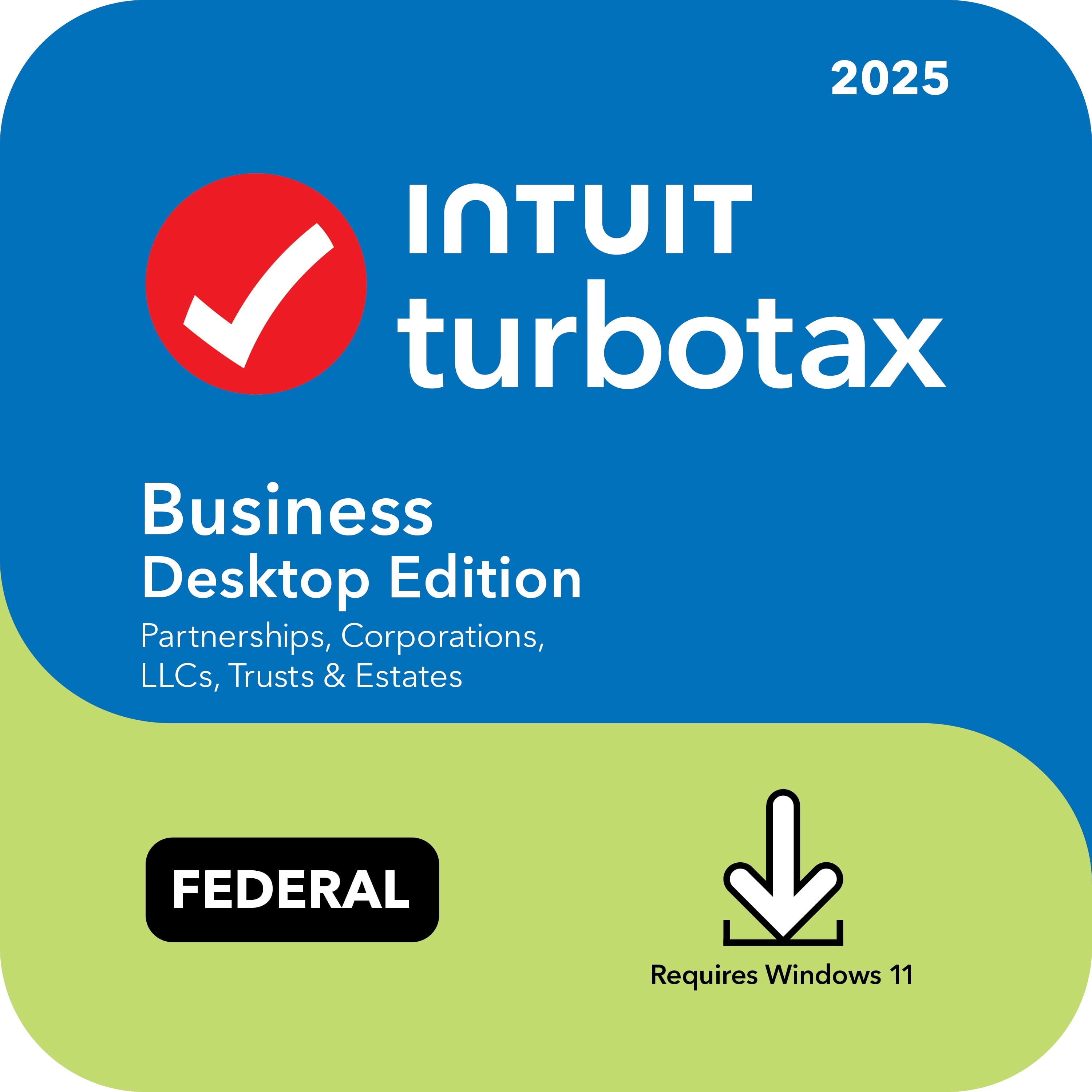
TurboTax Business Desktop 2025
For partnerships, S corporations, C corporations, multi-member LLCs, trusts and estates.
This is the product to look at when the business or fiduciary itself needs a return. Intuit lists support for S corporations, C corporations, partnerships, multi-member LLCs, trusts and estates. It guides business income and expenses, calculates asset depreciation and can create/e-file W-2s and 1099s through Quick Employer Forms.
- Partnership and multi-member LLC returns
- S corporation and C corporation returns
- Trust and estate returns
- Business income and expense guidance
- Asset depreciation calculations and tracking
- Quick Employer Forms for W-2s and 1099s
- 5 federal e-files included
- Imports prior-year TurboTax business data
Compatibility: For tax year 2025, Intuit lists TurboTax Business as Windows 11 (64-bit) only. It does not install on Windows 10 and there is no Mac version. Activation requires an Intuit account and internet connection.
TurboTax Home & Business 2025 + McAfee bundle
For personal returns that also include freelance, contractor, consulting or sole-proprietor income.
Home & Business is the TurboTax desktop tier aimed at individual filers who are also self-employed. Intuit highlights home-office, vehicle, phone, supplies and industry-specific deductions. It includes the personal investment and rental-property capabilities associated with Premier, then adds self-employment tools.
- Personal Form 1040 preparation
- Schedule C / self-employment workflow
- 1099 and multiple-source income support
- Home-office and business-expense guidance
- Vehicle deduction comparison
- Investments and rental-property capability
- 5 federal e-files and 1 state download
- Quick Employer Forms workflows
Bundle note: The supplied Amazon offer is described as Home & Business plus McAfee Total Protection for 5 devices with Scam Detector and VPN. Tax-software features here are based on Intuit’s Home & Business edition; check McAfee licensing, renewal and platform terms on the Amazon listing.
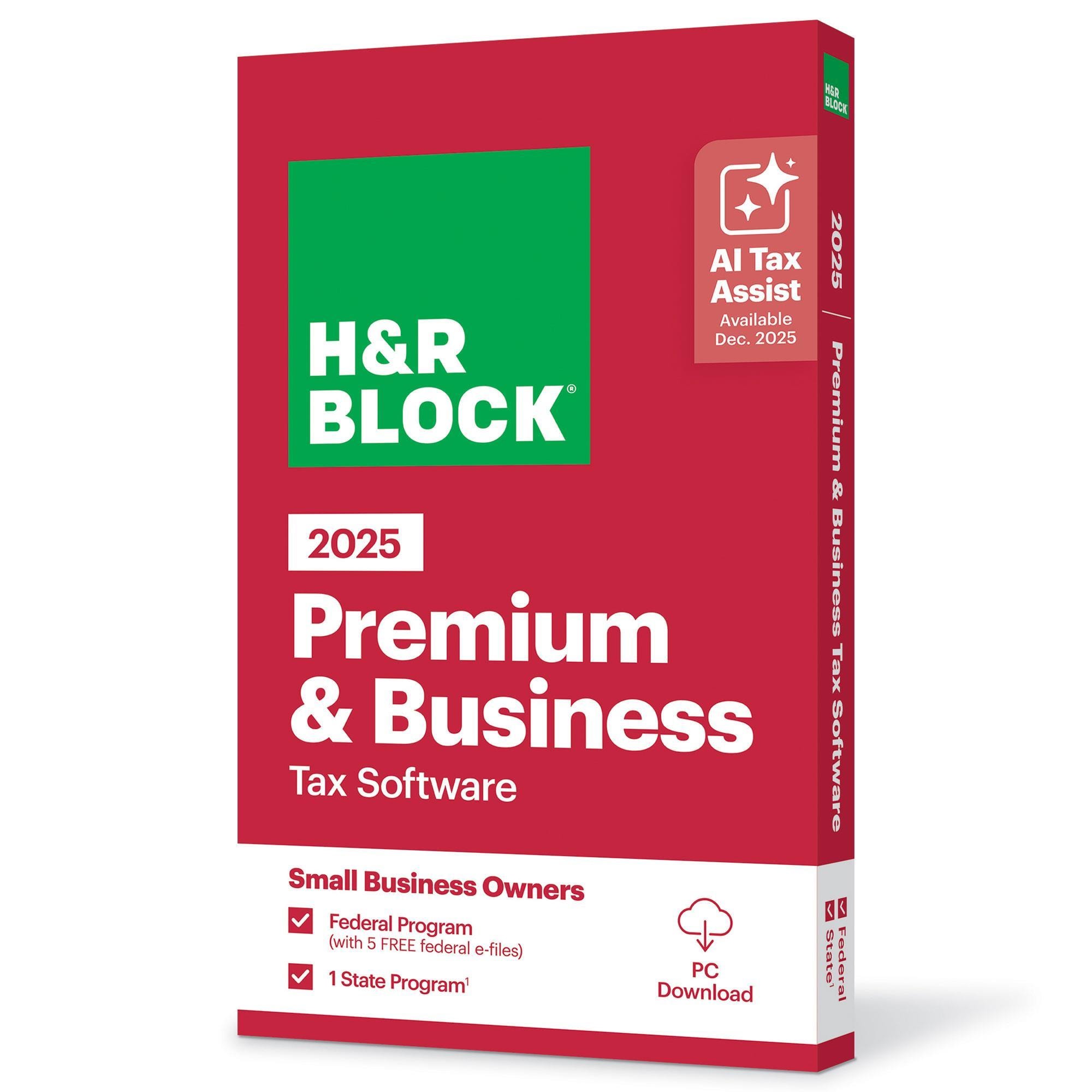
H&R Block Premium & Business 2025
A desktop alternative for users who want personal and business tax workflows in one package.
H&R Block positions Premium & Business for freelancers and business owners who need both personal and business tax capability. The current desktop product includes five federal e-files, one state program and business-expense workflows. H&R Block also advertises AI Tax Assist and supported prior-year TurboTax importing.
- Personal and business tax workflows
- Business income and expense reporting
- Investment and rental-property capability
- 5 federal e-files included
- 1 state program included
- AI Tax Assist
- Supported TurboTax prior-year import
- Worry-Free Audit Support
State filing: H&R Block says Premium & Business includes one state program, but state e-file fees can apply and business-state e-file availability is not universal. Check your state and return type before purchasing.
What about TurboTax Premier?
Premier belongs in this comparison because many “business-like” tax questions are really investment or rental-property questions.
Intuit positions TurboTax Premier for investments and rental property. The 2025 desktop edition includes 5 federal e-files and 1 state download, with state e-file sold separately. Home & Business includes Premier-level personal features plus self-employment tools. No standalone Premier Amazon affiliate URL was supplied for this article, so it is referenced for comparison rather than given a purchase CTA.
Feature-by-feature: what each edition is actually for
The most important rows are entity returns, Schedule C/self-employment, operating-system support and state-return handling.
| Capability / situation | TurboTax Business | TurboTax Home & Business | TurboTax Premier | H&R Block Premium & Business |
|---|---|---|---|---|
| Individual Form 1040 return | Not the purpose | Yes | Yes | Yes |
| Freelancer / sole proprietor / Schedule C | Not personal Schedule C software | Core use case | Not the self-employed tier | Business-oriented use |
| Partnership / multi-member LLC entity return | Core use case | No | No | Check exact forms |
| S corporation / C corporation return | Core use case | No | No | Check exact forms |
| Trust / estate return | Explicitly supported | No | No | Verify exact form support |
| Stock / capital-gain reporting | Entity context | Personal capability | Core use case | Premium-level capability |
| Rental-property income / expenses | Entity context | Yes | Core use case | Yes |
| Depreciation | Business asset depreciation | Self-employment / rental | Rental workflows | Business / rental |
| Federal e-files included | 5 | 5 | 5 | 5 |
| State software | Sold separately | 1 state download | 1 state download | 1 state program |
| Windows | Windows 11 64-bit | Windows 11 | Windows 11 | Desktop support |
| Mac | No | macOS Sonoma 14+ | macOS Sonoma 14+ | Check listing/system requirements |
Edition features and fees can change. State return preparation and state e-filing are separate concepts; an included state program/download does not always mean state e-file is included.
From raw numbers to a filed return
Tax programs are calculation engines wrapped in interviews, form logic, validation and electronic filing workflows.
Taxable income, deductions, credits, filing status and bracket calculations feed federal liability or refund.
Freelance and sole-proprietor income can trigger Social Security and Medicare self-employment tax calculations.
Investment sales can require basis, proceeds, holding periods and gain/loss treatment, often involving Form 8949 and Schedule D.
Rental revenue, expenses and depreciation can flow through Schedule E or entity-level returns depending on structure.
Software helps apply tax depreciation methods and track basis over time for eligible business or rental assets.
State calculations often begin with federal data but apply state-specific rules, deductions, credits and filing requirements.
Self-employed people and owners may need to project quarterly payments rather than relying only on withholding.
Partnerships and S corporations can generate owner-level information that later feeds individual returns.
Checks that prevent expensive mistakes
Personal return or separate business entity?
This is the first question. Schedule C self-employment usually belongs inside an individual return. A partnership or corporation can require its own entity return.
Does your computer meet the current requirements?
For tax year 2025, TurboTax Business requires Windows 11 64-bit. TurboTax Premier and Home & Business support Windows 11 and macOS Sonoma 14 or later according to Intuit.
Is a state return included—or only federal?
TurboTax Business sells state downloads separately. TurboTax Home & Business and Premier include one state download. H&R Block Premium & Business includes one state program; state e-file fees and availability rules can differ.
Do “five e-files” mean five business entities?
Do not assume that from the headline. Licensing and e-file limits depend on product and return type. Read the exact license and listing for the returns you intend to prepare.
Need investments, rentals or crypto reporting?
Those are often personal-return complexity issues rather than separate business-return issues. Premier-level features may be enough unless you also have self-employment or an entity return.
Buying the McAfee bundle?
Review each license separately. Antivirus subscription and renewal terms are distinct from the tax-software license.
When should you use a tax professional?
Multi-state businesses, complex ownership, basis issues, elections, trust/estate questions and unusual transactions can justify professional advice even when software supports the forms.
Which tax year should you buy?
Use software for the tax year of the return. Tax-year 2025 software is generally used to prepare 2025 returns during the 2026 filing season.